0% commission
A flat plan price. No commission on bookings and no fee per client. No marketplace: your clients stay yours.
Clients book a free time, day or night. Reminders go out on their own, and each booking lands on your calendar.
Free forever: 1 team member and 30 bookings a month.
Your first 30 days: everything included, no card.

On your computer · Illustrative demo data
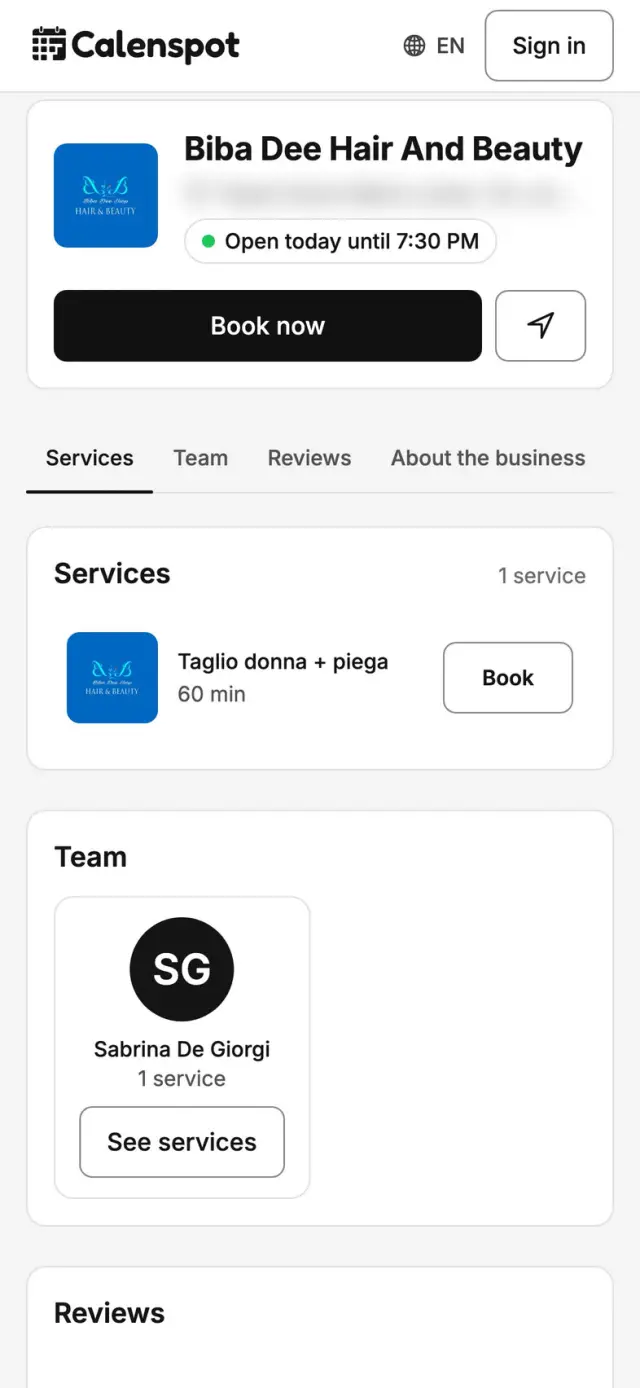
On your client's phone · Booking recorded on their real page · Hair salon · Los Cristianos, Spain
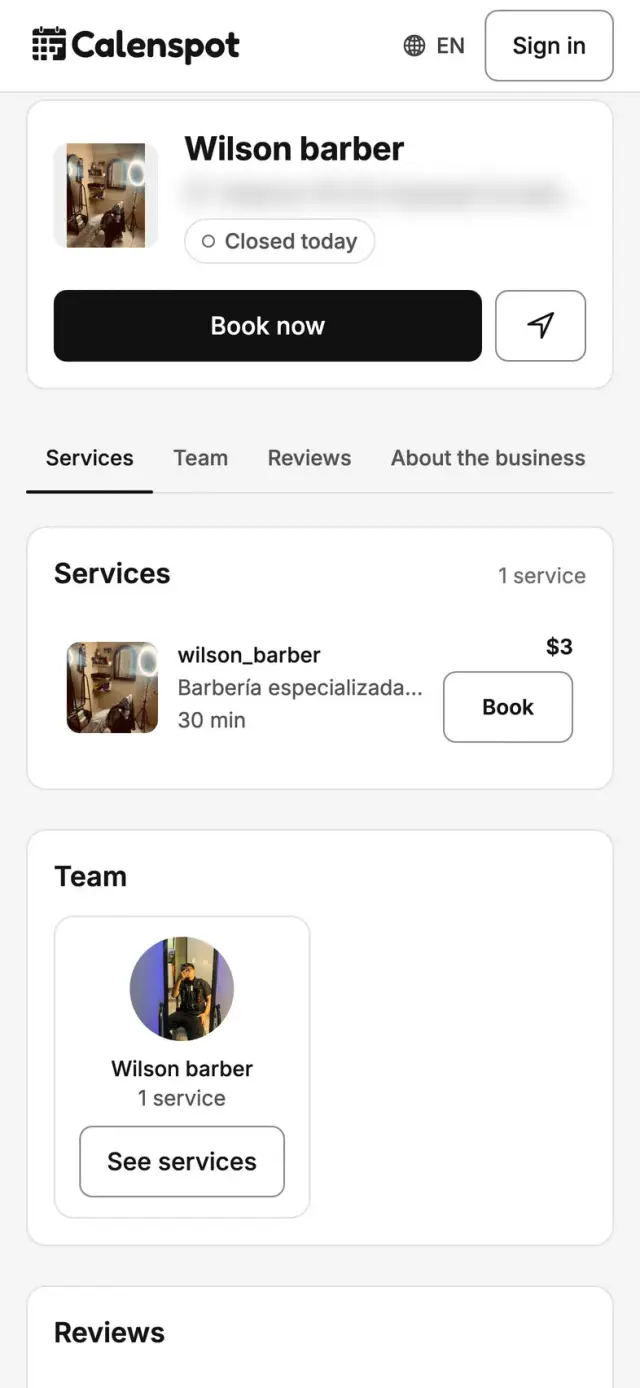
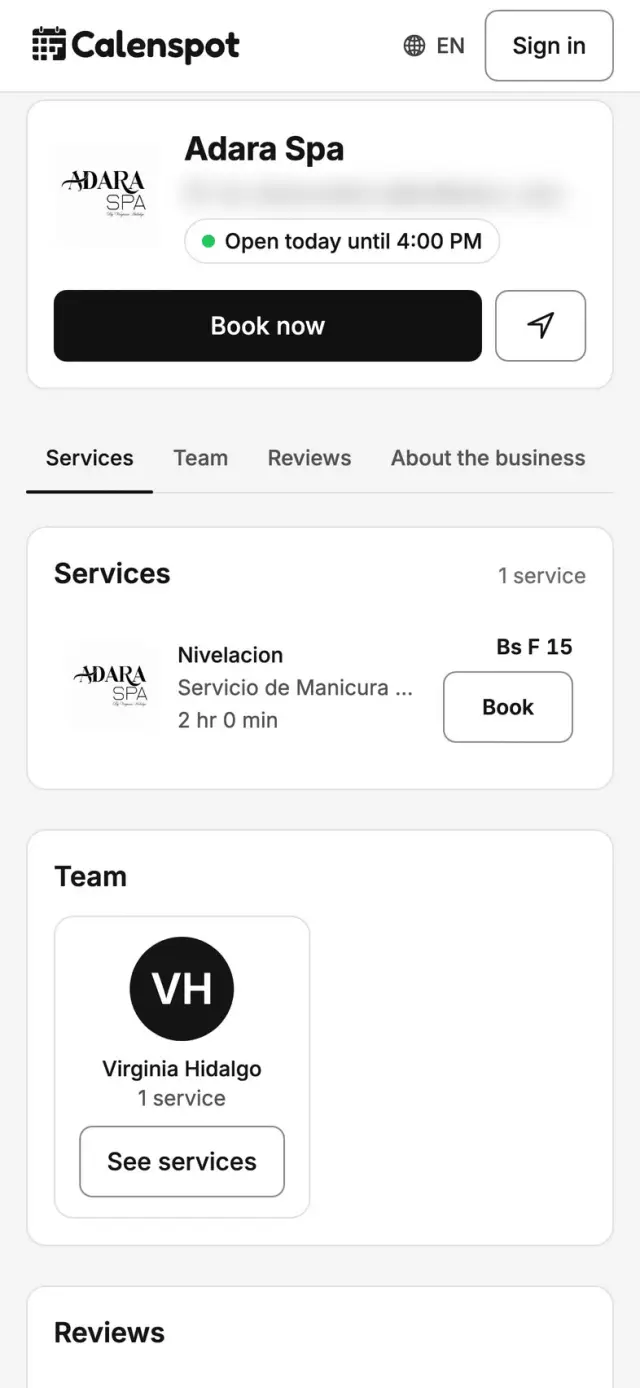
Real businesses
Tap one to open its real booking page.
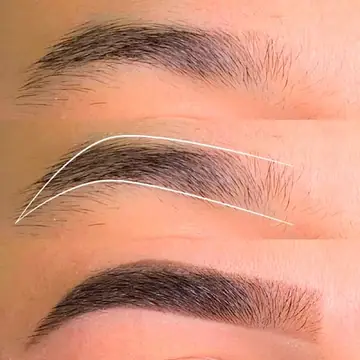 Donna Bella centro estéticoBeauty center Uberlândia, BrazilDesign de sobrancelhas · 30 mins · 40 R$
 Miguel ArangoBarbershop Medellín, ColombiaMiguel Arango · 50 mins · 20.000 COP
 LA HOJA VERDE AL NATURALNatural medicine Cartago, ColombiaCITAS MEDICAS · 45 mins · 50.000 COP
 Yaiseth alonzoSpeech therapy Panamá, PanamaFonoaudiologa Yaiseth Alonzo · 50 mins · 1 US$
 Martina PonceNails San Miguel de Tucumán, ArgentinaSoft gel , semipermanente , capping · 2 hrs · Free
 Maylu decoracionesEvent decoration Santa Marta, Colombiadecoración de bodas · 2 hrs
 The mans houseBarbershop ChileCorte cabello · 40 mins · 15.000 CLP
 Francieli GalvãoBeauty salon BrazilProgressiva Orgânica · 2 hrs · 220 R$
 aligna uioHealth Quito, EcuadorALIGNA UIO · 1 hr · 50 US$
 Patricia ImbarackSpa and wellness ChileOZONOTERAPIA · 40 mins · 20 CLP
 Ketilly Nayara Ferreira da SilvaBrows and lashes Panelas, BrazilExtensão de cílios · 1 hr, 30 mins · 50 R$
 Alexis J Rodriguez (Xtreme Car Wash)Car wash Fajardo, Puerto RicoLavado Auto Compacto · 1 hr · 35 US$
 Laura SilvaPhotography BrazilEnsaio externo · 1 hr, 30 mins · 100 R$
 ESTETICA EFEBOHair salon Mexicali, MexicoCorte de Dama · 30 mins · 250 MX$
 Reverb sala de ensayo caliRehearsal studio Cali, ColombiaReserva de sala de ensayo musical · 1 hr · 30.000 COP
 Beatriz Oliveira da SilvaHair salon Fortaleza, Brazil
 Private English ClassClasses Canada50 Minute class · 50 mins
 Head Spa HondurasSpa and wellness Tegucigalpa, HondurasLimpieza capilar profunda · 1 hr, 30 mins · 160 HNL
 Cinthia Inácio GonçalvesNails BrazilAlongamento 1 · 1 hr, 10 mins · 50 R$
 Abbie EspinozaTutoring Costa RicaHORARIOS DE SOPORTE · 20 mins · Free
 Lorena suelen dos Reis freireNails BrazilAlongamento · 2 hrs · 110.000 R$
 Cecília Marques LashBrows and lashes Paripe, Brazil
 Octávio AugustoVideo production Centro, BrazilEntrevista Podcast · 1 hr · 325 R$
 Dey lash designer beauty blessedBrows and lashes São Paulo, BrazilDey lash designer beauty blessed · 1 hr, 40 mins · Free
 Darley Julissa MuñozNails Costa RicaTatto · 6 hrs · 50 CRC
 Weslley Gemaque MonteiroServices BrazilAcompanhante Hospitalar · 12 hrs · 80 R$
 beautric spa capilarSpa and wellness Chihuahua, MexicoCabello
 El centro AutoconocimientoPsychology Jamundí, ColombiaGrupo salud. Centro Psicológico de autoconocimiento · 1 hr · 80.000 COP
 Lilian Alarcón La ONails Bayamo, CubaMlilian Nails · 2 hrs · Free
 Janily Gabrielly dos Santos SantosHair salon BrazilGips braids · 5 hrs · 360 R$
 Fresly Guadalupe Munguia AlvaradoNails HondurasPintado Permanente Manos · 1 hr, 30 mins · 300 HNL
 Milagros san JulianNails ArgentinaSemipermanente · 50 mins · 15.000 ARS
 Silvana AllegrettiCoaching ArgentinaCoaching Empresarial-Coaching Desarrollo Personal · 1 hr
 Aline Brandi | Bruxa de Cartas 🌙Services BrazilAconselhamento da bruxa por área · 50 mins · 33 R$
 Alvarez ElectricElectrician Canóvanas, Puerto RicoSite Visit · 30 mins · Free
 SHOCK MONITORAMENTOElectrician Brazil
 ricardo manuel ugaz campusanoPersonal trainer San Isidro, Peruentrenamiento grupal y personalizados · 1 hr
 FISIOMATBRUCEPhysiotherapy Machala, Ecuadorfisioterapia y rehabilitación física · 1 hr · 15 US$
 ethel herrera dulce bellezaNails Coronel, ChileServicio de peluquería, barbería y uñas · 1 min · 10.000 CLP
 ANTONELLA BEAUTY STUDIONails EcuadorManicure / Pedicure · 2 hrs
 Las Migani Estudio de BellezaAesthetics Rivadavia, ArgentinaTratamientos corporales 1 zona 2 veces x semana · 1 hr · 80.000 ARS
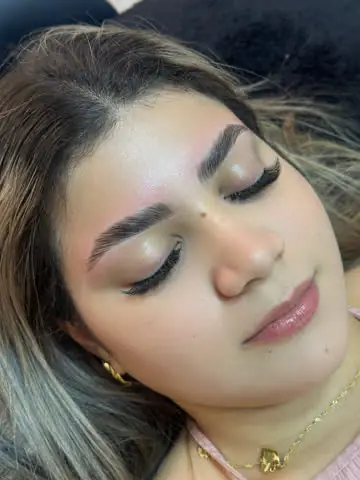 Karen toledoBrows and lashes El Tigre, VenezuelaBrow Lamination · 1 min · 15 US$
 Glory RestoHair salon Antigua & BarbudaBlower corto · 30 mins · 20 EC$
 horquidea paulinoNails Piedra Blanca, Dominican RepublicCover liso · 45 mins · 600 DOP
 Virtuos SpaFacial care MexicoLimpieza Facial · 1 hr, 20 mins · 380 MX$
 Astrid Lorena marinNails ColombiaManicura y pedicura · 1 hr, 50 mins · 50 COP
 LIC. Alejandra DomínguezBrows and lashes Tlalnepantla, MexicoNutri 🍏Lashes👁👁 · 2 hrs
 cecilia carchiAdvisory Guayaquil, EcuadorAsesoramiento en Escritura de Libro · 1 hr · 20 US$
 atlasClasses Portoviejo, EcuadorCharla #2 | Instructivo de Evaluación de Atlas · 1 hr · Free
 petville spa y peluqueria canina y felinaPet care Bogotá, ColombiaBAÑO ESTANDAR TALLA L MANTO LARGO · 2 hrs · 82.000 COP
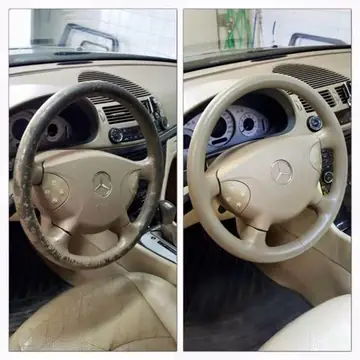 MawhasCar wash Santa Cruz, BoliviaFull interior · 3 hrs · 400 BOB
 Alex Rodrigo Olivera ValdesServices ChileReserva Pecera · 2 hrs
 Detallado automotriz JiménezCar wash Tuxpan, MexicoPaquete Esencial Plus · 3 hrs · 500 MX$
 Kendy Exania LagosServices NicaraguaTécnica hibrida · 3 hrs · 600 NIO
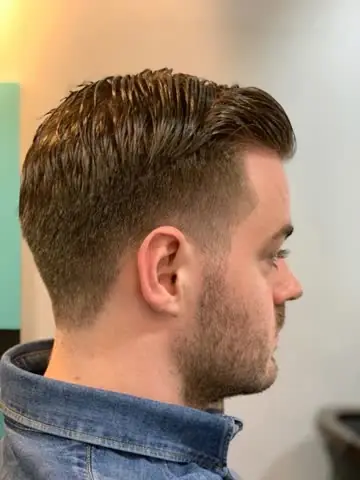 rich yiyeBarbershop Madrid, SpainCorte de pelo normal · 25 mins · €50
 barbería cavexBarbershop Ciudad del Este, ParaguayBarbería CAVEX · 1 hr · 50 PYG
 ShowroomBarbershop Paraná, ArgentinaCorte de cabello masculino · 30 mins · 8.000 ARS
 psicología ocupacional - usst hngaiPsychology La Victoria, PeruConsultorio Psicología Ocupacional - USST · 20 mins · Free
 Doctora Sori LacruzDentistry Mérida, VenezuelaControl · 30 mins · 30 US$
 DR ROSDAN - SI PREVENIMOSDentistry Sabanalarga, ColombiaOdontología · 40 mins · Free
 Laís SouzaNails Recreio dos Bandeirantes, BrazilAlongamento unha ( colocação) · 2 hrs · 170 R$
 LAKERY NAILBARNails MexicoUñas · 2 mins
 William RodriguezFinancial advice Bucaramanga, ColombiaConsultoría Financiera / Pensional / Seguros · 30 mins
 Eunicee LashBrows and lashes La Cisterna, ChileFibras tecnológicas (2D,3D,4D) · 1 hr, 30 mins · 30.000 CLP
 Francisco Javier cundumi CaicedoHair salon Cali, ColombiaManicure y pedicure · 2 hrs · 30.000 COP
 Thaynara Amorim Nails DesignerNails Aparecida de Goiânia, BrazilAlongamento em Fibra Natural · 2 hrs · 120 R$
 Carla Francisca Darci Sanches DiasNails BrazilManicure · 30 mins · 40 R$
 Jenny Ketellyn StudioBrows and lashes BrazilExtensão de Cílios - Volume Baby · 1 hr · 100 R$
 club de tenis talcahuanoSports courts Talcahuano, Chilecancha 1 · 1 hr, 30 mins
 metalurgica aleServices Rio Segundo, ArgentinaMetalurgica · 30 mins
 investment financial advisorFinancial advice La Calera, Colombiaconsultoria pensional · 45 mins · 1.500.000 COP
 linea de fondo padelSports courts Buenos Aires, ArgentinaCancha abierta 1er Turno · 3 hrs · 12.000 ARS
 JM Publicidad Exterior S.A.S.Advertising Palmira, ColombiaPublicidad Exterior · 15 mins
 Yanit MarrugoServices Cartagena de Indias, ColombiaBORA BORA VIP · 10 mins · 230 COP
 Veterinario Emilio EspinozaVeterinary Los Muermos, ChileAsesoría en trámite del SAG
 Servi aires orHeating and cooling Barranquilla, ColombiaMargie silvera · 1 hr, 30 mins · 180.000 COP
 Iranovy The PlannerCoaching Panamá, PanamaSesión Exploratoria · 30 mins · Free
 Abril TarotServices ArgentinaLectura general/ Videollamada Zoom · 30 mins · 40.000 ARS
 Ocean BuziosServices Búzios, Brazil
 KinapsisTraining Linares, ChileEntrenamiento Personalizado · 1 hr · 75.000 CLP
 Laura FerreiraNatural medicine Villa Elisa, ParaguayBiomagnetismo integral · 1 hr · 300.000 PYG
 mr. cut´zBarbershop Alajuela, Costa Rica✂️ Corte de cabello · 30 mins · 7.000 CRC
 💈Barbería Family Cuts💈Barbershop Armenia (Quindío), ColombiaCorte · 30 mins · 15.000 COP
 João Vitor RodriguesBarbershop BrazilCorte · 40 mins · 30 R$
 medisaludMedicine Santo Domingo, EcuadorPediatria · 30 mins · 20 US$
 valentina de pedroHealth Concordia, ArgentinaValentina de Pedro · 24.000 ARS
 Psi. Karolayn Duarte SardothPsychology San Martín (Cesar), ColombiaConsultas psicológicas · 30 mins
 ELADERMMedicine Quito, EcuadorInteres de venta de Morpheus · 50 mins · 2.500 US$
 Gezislane Rodrigues nails designerNails Arame (MA), Brazil
 Misleny VenturaHair salon Brazil
 Maison ModestServices Spainprueba de vestido · 30 mins · Free
 karol flores cruzDentistry Perukarol flores cruz · 20 mins · 20 PEN
 NEUROTEMPsychology Saltillo, Mexico
 Graciene Costa SantosPet care Mariana, Brazil
 Daiana Priscila SouzaPsychology Zona 03, Brazil
 Thalia silva SantosServices Vergel do Lago, Brazil
 Márcia Sierro AmorimCleaning Guararapes, Brazil
 SYSMONTServices Brazil
 Goes BarbeariaBarbershop Brazil
 Débora CamposNails Santana do Paraíso, Brazil
 Shäyzíìnhä'h Síìlvä'hNails Brazil
 Dany_unhasNails Brazil
 Gisele VasquesServices Brazil
 Maple Bear GramadoClasses Brazil
 Washington Santos terapias integrativasTherapies Brazil
105 businesses in 20 countries, with their own photos and services.
The real product
Five moments recorded in the app, with a real cursor, real clicks and real typing.
On your client’s phone
Picks a service, day and time on their phone
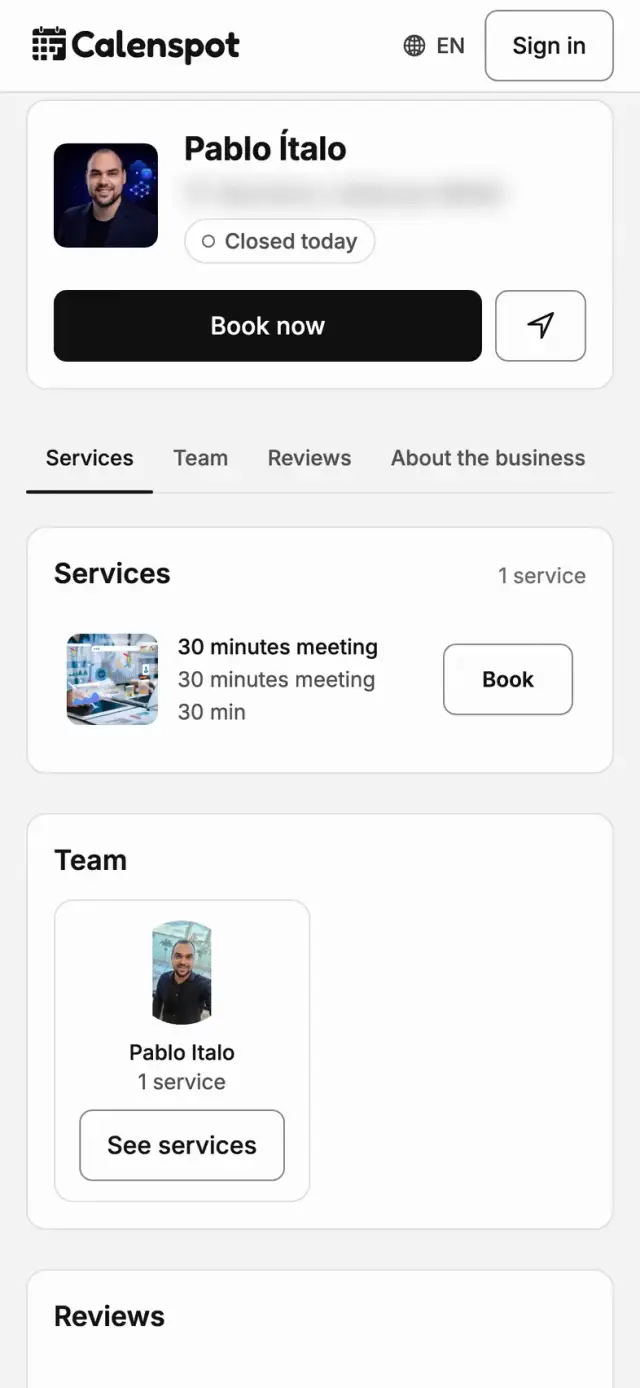
Chapters 2 to 5 recorded in a sample account with made-up data. Nothing is saved.
Calenspot at a glance
No marketplace
Marketplace apps show your business in a list next to others, so clients also see other businesses when they book. Calenspot has no marketplace: your booking page shows only your business.
A flat plan price. No commission on bookings and no fee per client. No marketplace: your clients stay yours.
Service lengths from 5 minutes to 12 hours, set per service, in steps of 5 minutes up to 3 hours.
Clients book in theirs: English, Português, Español, Français, Deutsch, Italiano.
Every plan has a dashboard of bookings, cancellations and clients. Advanced reports: Pro and Teams
Import a CSV file on every plan, up to 1,000 clients per file.
Each person gets their own services and working hours. Teams: up to 20 people
Made for your trade
Nine examples of many. The same booking page, in your own colors, works for any business that takes appointments.
Hair salons
Illustrative demo data: Studio Lumière is a sample business.
Barbershops
Illustrative demo data: Fernwick Barbers is a sample business.
Beauty centers
Illustrative demo data: Willowmere Beauty is a sample business.
Physiotherapists
Illustrative demo data: Alderbrook Physio is a sample business. This is not a clinical record.
Psychologists
Illustrative demo data: Meadowgate Psychology is a sample business. This is not a clinical record.
Nutritionists
Illustrative demo data: Brightwater Nutrition is a sample business. This is not a clinical record.
Personal trainers
Illustrative demo data: Ashgrove Training is a sample business.
Private lessons
Illustrative demo data: Larkfield Lessons is a sample business.
Consultants
Illustrative demo data: Wrenfield Advisory is a sample business.
Changes every few seconds. Pick one to stop.
Another kind of appointment-based business? The same booking page, calendar and reminders work for it. Browse all business types
See it working
A client books online, a reminder goes out, and your calendar fills up. All from one booking page.
Only services and times that fit. A few taps, nothing to install.
24 hours and 1 hour before. Email on every plan, WhatsApp reminders on Pro and Teams.
Every booking lands on your calendar at once, with the right length.
Illustrative demo data: Studio Lumière is a sample business.
Get started
Start with 30 days with everything included, no card needed.
Name, length and price, plus your working hours.
Put it in your bio, your Google profile or your website.
Bookings land on your calendar. Reminders go out on their own.
Switching or starting out
Bring your clients, keep how you charge, move at your own pace.
Pricing
Then you choose: stay free, or move to Pro or Teams.
Free forever
€0.00
Your plan when the 30 days end, unless you pick another.
Start free
30 days with everything included, no card.
For one professional who wants every feature
€9.90
/ monthThen €9.90 a month, only if you decide to stay.
Start 30 days free
30 days with everything included, no card.
For teams of up to 20 people
€24.90
/ monthThen €24.90 a month, only if you decide to stay.
Start 30 days free
30 days with everything included, no card.
For 1 professional
For a salon of 5 people
Public prices of each company (Spain), read on 23 November 2026, with 21% VAT included. AgendaPro as published: its page does not say whether VAT is included, so none is added. Fresha and Booksy charge per person. Square Appointments (free plan) and Treatwell (commission on new clients) use another pricing model and are not compared. Sources: fresha.com/es/pricing, biz.booksy.com/es-es/precios, and agendapro.com/es-es/planes.
Prices for Romania · Taxes included
| Feature | Free | Pro | Teams |
|---|---|---|---|
Team | |||
| Team members | 1 | 1 | 20 |
| Custom working hours per team member | Not included | Not included | Included |
Bookings and services | |||
| Services | Unlimited | Unlimited | Unlimited |
| Bookings per calendar month | 30 | Unlimited | Unlimited |
Integrations | |||
| Google Calendar integration | Not included | Included | Included |
| Google Meet links | Not included | Included | Included |
| WhatsApp notifications | Confirmations & cancellations | Included | Included |
| Notifications from your own SMTP email | Not included | Included | Included |
Reports and support | |||
| Advanced reports | Limited | Included | Included |
| Priority support | Not included | Included | Included |
| Setup assistance | Not included | Included | Included |
Booking page | |||
| Booking page templates (5) | Included | Included | Included |
| Brand colors, fonts and photos | Included | Included | Included |
| Hide “Powered by Calenspot” | Not included | Included | Included |
FAQ
We use bank-level encryption and follow strict security protocols to ensure your data is always protected.
Our platform allows you to manage multiple team members, set working hours, assign services, and track their availability in real-time.
Calenspot sends automated email confirmations and reminders on every plan, including Free. WhatsApp booking confirmations and cancellations are on every plan too, Free included; WhatsApp reminders before appointments come with Pro and Teams.
Yes, our platform supports multiple languages, allowing you to serve clients from around the world in their preferred language.
Our system automatically detects and adjusts to your clients' timezones, ensuring appointments are booked at the correct time regardless of location.
We provide customer support by email to help with questions or issues you may encounter.
Our platform includes a comprehensive client management system where you can store contact information, appointment history, and notes for each client.
Cancel from your subscription settings whenever you like, and keep your plan until the end of the period you paid. A yearly plan is billed for the whole year. Back on Free, your booking page shows “Powered by Calenspot” again; your template, colors and photos stay.
Related pages: Online booking page · WhatsApp and email reminders · How to reduce no-shows
Start with 30 days with everything included, then stay on Free or move to Pro or Teams.
Create your booking page